2x2 Passport Photo Online Free
Upload a photo, crop it to 2×2 inches (600×600 px), and download a 4×6 sheet with six copies. Drag the frame if you need to. For reference only — check travel.state.gov yourself. Both print files are $1.99, no sign-up.
- 600×600 px
- 4×6 Sheet · 6 Copies
- For Reference Only
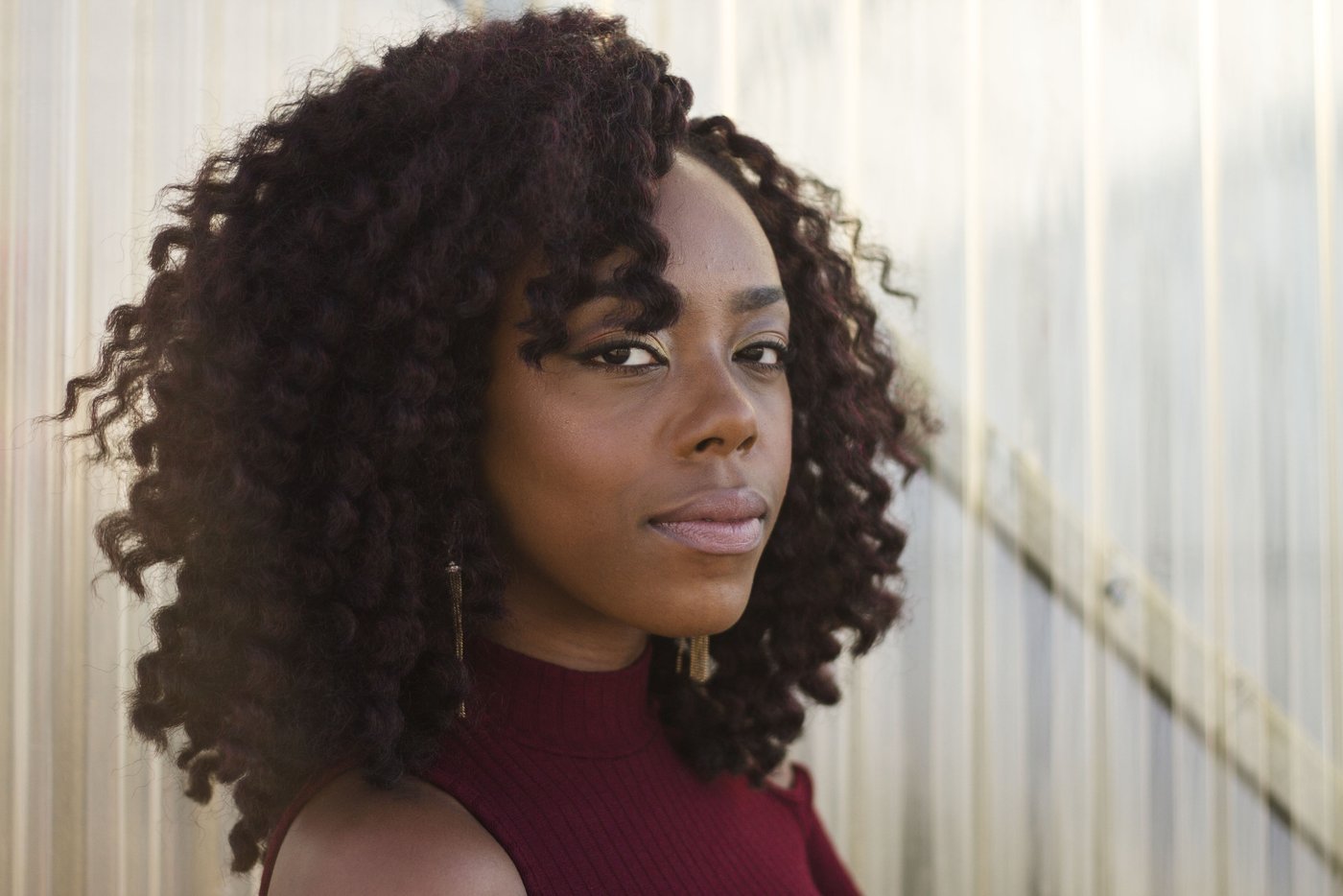 Before
 After
AfterHow to Make a 2×2 Passport Photo
Upload
JPG, PNG, or WebP up to 25MB. A head-and-shoulders photo works better than a full-body shot.
Cutout on White
The person is cut out and placed on white. Shadows on the face stay as they are.
Move the Frame
The square starts on the face when the browser can find one. Otherwise it starts on the person. Drag and zoom.
Download Both Files
The free file is a watermarked crop. $1.99 with no sign-up, or 1 credit, unlocks a zip with the 600×600 photo and the 4×6 sheet.
A 2×2 Inch Crop and a Print Sheet
This page makes a 2×2 inch passport photo: one 600×600 px file, plus a 4×6 inch sheet with six copies of that same crop. You upload a photo, the person is cut out and placed on white, and a square frame starts on the face when this browser can find one. Drag the frame or use the slider, then download.
For reference only. The files are 600×600 px (2×2 inches at 300 px per inch) and 1200×1800 px (4×6 inches, six copies edge to edge). This page does not check head size, eye line, expression, glasses, or clothing. Check the photo rules on travel.state.gov yourself before you use the file.
A plain white backdrop with no crop stays on passport photo background. Reference white, blue, or red with no crop stays on ID photo background. A product on white stays on product photo white background. Any other white photo stays on make background white.
What the Two Files Are
One payment covers both print files. They are made in your browser from the full-size cutout, so the crop you see is the crop you download.
| File | Pixels | Inches at 300 px per inch | What is in it |
|---|---|---|---|
| 2x2-600x600.png | 600×600 | 2×2 | One crop, on white |
| 4x6-print-sheet.png | 1200×1800 | 4×6 | Six copies, 2 columns by 3 rows, edge to edge |
For reference only. Six 2×2 inch photos fill a 4×6 inch sheet exactly, so there is no gap to shrink them. Cut between the copies. Check the photo rules on travel.state.gov yourself.
Where the Frame Starts
Face, when the browser can find one
Chromium browsers can find a face with no extra download. The square starts with that face in the upper part of the frame. It is a starting point, not a measurement of your head.
The person, otherwise
If this browser has no face finder, or it finds none, the square starts on the opaque person in the cutout, toward the top. Safari and Firefox use this path.
Your drag wins
Move the frame and the zoom slider until the head sits where you want. The print files use that frame. Reset puts the starting frame back.
What People Use the Files For
A 2×2 inch photo
One 600×600 px file to print or attach where a 2×2 inch photo is requested.
A 4×6 sheet
Six copies on one sheet, so a home printer or a photo kiosk can print them together.
A snapshot you already have
Start from a photo you took, then move the frame. It does not retake the photo.
Not a color-only job
Backdrop color without this crop belongs on the passport, ID, or white pages linked above.
Before You Upload
Have someone else take it
Face the camera in even light. A selfie at arm's length is harder to frame.
Leave room around the head
If the top of the head is already cut off in the upload, the frame cannot put it back.
Use the original file
A screenshot is smaller and softer. The 600×600 file scales up a small original and can look soft.
Blur first, then come here
If the camera moved, try unblur on a sharp-enough original, then crop.
Read This Before You Print
For reference only. Check the photo rules for your document yourself. This page does not produce a checked photo.
- The output size is 600×600 px and a 1200×1800 px sheet. That is 2×2 inches and 4×6 inches at 300 px per inch. It is not a check of head size, eyes, expression, glasses, or clothing.
- The free download is a watermarked crop, smaller than 600×600. The zip from $1.99 or one credit holds both print files, with no watermark.
- A small original is scaled up to 600×600 and can look soft.
- The six copies sit edge to edge. Cut between them.
- One person facing the camera works best. On a group photo, drag the frame onto one person.
- It does not retouch the face, remove glare, or change expression.
This Page and a Photo Booth
| This page | A photo booth or pharmacy | |
|---|---|---|
| Crop | 600×600 px, and you can drag it | They frame it |
| Print sheet | 4×6 inches, six copies | Often a print sheet |
| Rules for your document | You check them | Depends on the shop |
| Cost | Free watermarked preview; both print files are $1.99 or one credit | Varies by location |
For reference only. This comparison is about the files, not about whether a photo will be taken.
2×2 Passport Photo FAQ
What size are the files?
The single photo is 600×600 px, which is 2×2 inches at 300 px per inch. The sheet is 1200×1800 px, which is 4×6 inches, with six copies in two columns and three rows. For reference only.
Does this check the photo against a country's rules?
No. For reference only. Check the photo rules on travel.state.gov yourself, and the rules for your own document, before you use the file.
What does $1.99 include?
A zip with two files: 2x2-600x600.png and 4x6-print-sheet.png. No watermark, no account. The same pair is one HD credit if you are signed in and have a credit. The free download is only a watermarked crop.
Can I move the crop?
Yes. Drag the frame and use the zoom slider. If this browser can find a face, the frame starts there. If not, it starts on the person. Reset puts that starting frame back.
Is the preview the print file?
No. The preview is watermarked and is not scaled up to 600×600. The print files are the two files in the paid zip.
Where do I only change a color?
Plain white with no crop is passport photo background. Reference white, blue, or red is ID photo background. A product on white is product photo white background. Any other white photo is make background white.
Make a 2×2 Passport Photo
Upload a photo, move the frame, and download a 600×600 file plus a 4×6 sheet. For reference only.