Product Photo White Background
Cut the product out and lay it on pure white (#FFFFFF). The width and height stay the same as the file you upload. Free 512px watermarked preview, no sign-up. One HD PNG is $1.99. This does not resize the photo, and it does not guarantee a listing will pass platform review.
- Pure White #FFFFFF
- Same Size as Upload
- $1.99 HD, no signup
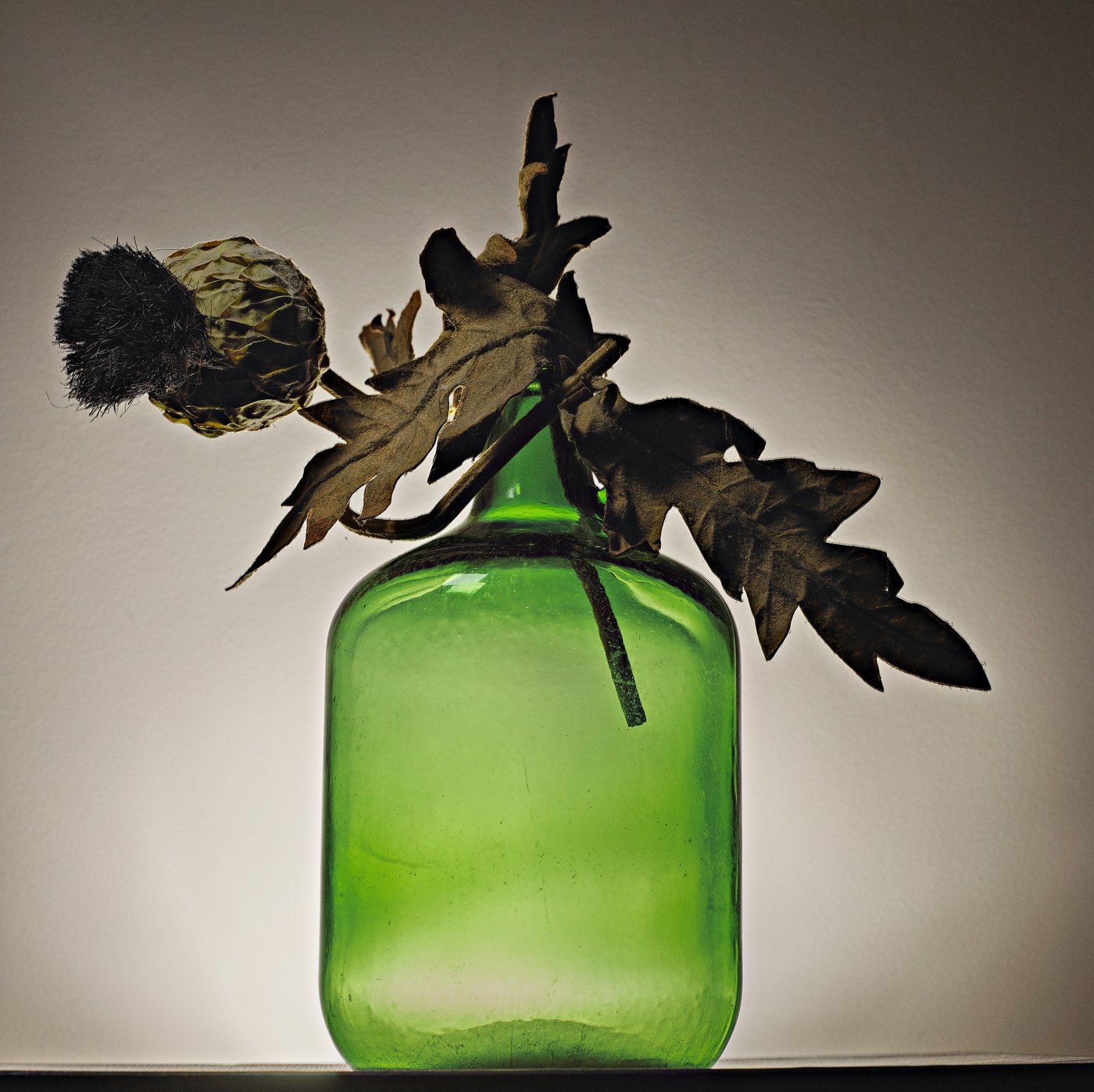 Before
 After
AfterHow to Put a Product Photo on White
Upload the original
JPG, PNG, or WebP up to 25MB, at most 10,000 px on a side and 50 megapixels.
The background comes off
BiRefNet returns a cutout at the same pixel size. White (#FFFFFF) is already selected.
Shadow only if you want it
Natural shadow stays inside the frame. Turn it off for a flat catalog shot.
Download the PNG
The free file is 512px on the longest side with a watermark. HD is the original size, without that mark, for $1.99 or 1 credit.
A Product on Pure White, Nothing Else
This page is a product background remover for a listing photo. The same BiRefNet cutout used on the background remover separates the product, then the editor fills the original frame with pure white — #FFFFFF, RGB 255, 255, 255. White is already selected when the result opens. The stored file is a transparent PNG at the pixel size you uploaded. White is painted on when you download, only if White is still selected.
It does not crop, resize, add padding, or change how much of the frame the product fills. It does not add a floor, a reflection, or a new shadow unless you tick Natural shadow. That shadow is black at 40% opacity, with a 30-pixel blur and a 10-pixel shift downward, and it is drawn inside the original width and height. It does not add a margin. Leave it off if you are not sure a marketplace allows a shadow.
A product photo editor that retouches the item, changes its color, or lays out a whole listing is a different job. A product photo background here means one color: white. Other solid colors are on the photo background changer. A photo that is not a product — a headshot, a scan, a document — belongs on make background white. This page does not guarantee a listing will pass platform review.
Marketplace Main-Image Notes We Could Verify
These figures were read from the linked pages on 19 October 2026. Seller Central help page G1881 did not open without a seller login, and the eBay.com copy of the picture article returned an error, so those two pages are not quoted below. If a number here disagrees with the live help page, the live page wins. This tool does not resize or crop to any of these figures, and it does not guarantee a listing will pass platform review.
| Platform | Background | Size | File |
|---|---|---|---|
| Amazon | Pure white, RGB 255, 255, 255. The Sell on Amazon photo guide says product shots should be on white in most cases, and calls it a default setting with Amazon. A Seller Forums reply from the Glenn_Amazon account, about three years old, lists the same value for a main image. | The guide's FAQ says 500 to 10,000 pixels on the longest side, and prefers more than 1,000 pixels on each side so zoom works. The shooting section says to fill 85% or more of the frame. The forum reply says to show the product as 85% of the image. | The FAQ lists JPEG, TIFF, PNG, or non-animated GIF. This download is a PNG. |
| Etsy | Not required on the image help page. Follow Etsy's latest rules. | Listing photos are recommended at a width and a height of at least 2,000 pixels. The first photo should be at least 635 pixels wide and 635 pixels tall. | jpg, gif, png, svg, or heic. Animated GIFs and transparent PNGs are not supported; empty areas show as black. A file over 1 MB may fail to upload. The first photo should be landscape or square, in sRGB. |
| Shopify | Not required on the product media page. Follow Shopify's latest rules. | Up to 5,000 × 5,000 px or 25 megapixels, and smaller than 20 MB. A square 2,048 × 2,048 px image usually displays best. Use one aspect ratio across a collection. | PNG is preferred, then JPEG. TIFF, BMP, GIF, SVG, HEIC, and WebP are also accepted. |
| eBay | Not asked for on this help page. It says to keep photos clean, with no text or borders, and an uncluttered background. The uploader can also paint a solid white background. | At least 500 pixels on the longest side. 1,600 pixels on the longest side is the tip for mobile. Up to 24 pictures. | Up to 7 MB each, or 12 MB from a web address. JPEG, PNG, GIF, TIFF, BMP, WEBP, HEIC, or AVIF. Figures are from eBay Canada help, article 4148. |
The free preview here is 512px on the longest side and carries a watermark, so it is not a file to upload to a marketplace. The HD PNG keeps the pixel size of your upload and has no watermark. It still does not crop the product to 85% of the frame or pad the canvas.
What This File Is, and What It Is Not
Amazon main image requirements, where we could read them, ask for pure white and for the product to fill most of the frame, with no extra text, logos, or watermarks. An amazon main image white background from this page can be RGB 255, 255, 255. It will not move the product, delete words printed on the packaging, or prove the file meets the rest of the rules. The watermarked preview fails a no-watermark rule by itself.
Etsy shows transparent pixels as black, so download with White selected if the listing photo has to be opaque. Shopify and eBay do not, on the pages above, require white. A white file can still make a catalog look consistent. Check the current rule for your category before you publish.
Product Types That Fit, and Ones That Often Don't
Usually a clean cut
Boxes, shoes, tools, labeled bottles, ceramics, and packaged goods on a plain backdrop.
Glass and clear plastic
See-through edges and liquid often keep a tint of the old background, or lose the transparency. The result is a guess at the edge, not a studio render.
Chrome, mirrors, and gloss
Reflections of the room can be treated as part of the product, or cut away. Check the highlight before you pay.
Hair, fur, mesh, and fringe
Fine strands and holes are the hardest edge. A person modeling the product is a worse case than the product alone.
White or clear on white
A white item shot on a white sheet can lose its outline. Shoot it on a darker cloth, then switch the background to white here.
Shooting a Product You Will Put on White
Don't trust a white wall
A wall or a sheet of paper is rarely RGB 255, 255, 255 in the file. Shoot for a clear edge, then replace the background.
Leave crop room in the camera
This page will not add padding and will not enlarge the product inside the frame. If the item is too small, reshoot closer or crop in another editor.
Light from the side for glass
A window with a thin curtain, and the product a little away from the backdrop, gives the edge something to catch. Hard flash hides that edge in a reflection.
One product, no props
A tag, a hand, or a plant in the frame becomes part of the cutout. Take those out before you upload.
Use the largest original
HD keeps the pixels you upload. A screenshot of a screenshot stays small. The 512px preview is only for checking the edge.
Fix a nick with the brush
Touch up → Restore paints the original pixels back. Erase removes a leftover bit of background. The brush is free, and downloading that same HD file again does not spend another credit.
Limits
These match the current product. This page does not guarantee a listing will pass platform review.
- Uploads are JPG, PNG, or WebP, up to 25MB, at most 10,000 px on each side, and at most 50 megapixels.
- The free preview is 512px on the longest side and has a watermark. It is too small, and too marked, for a marketplace main image.
- Free previews share the site-wide daily cap: 5 per device and 15 per IP, and 30 a day after you sign in. The cap resets at 00:00 UTC. A failed run that never starts the model is returned; once the model run exists, that attempt stays counted.
- The HD file is a PNG at the uploaded resolution, with no watermark, for $1.99 with no account or 1 credit. A new account includes 1 credit. Packs are $4.99 for 20 or $9 for 100. Pack credits do not expire. Subscription credits reset each month.
- White is a flat #FFFFFF fill of the original frame. The page does not resize, crop, add padding, or set the product to 85% of the picture.
- Natural shadow is optional. It does not add margin. It is not a promise that a marketplace allows a shadow.
- Glass, transparent plastic, reflections, mesh, hair, and fur can cut poorly. Text printed on the product stays.
- Batch background removal, when your plan allows it, is 10 images at a time on Pro or after a credit pack, and 50 on Business. This page itself still shows one photo.
Replacing the Background vs. Shooting on White
| This page | A white sweep in camera | Cropping in a listing tool | |
|---|---|---|---|
| Background color | Exactly #FFFFFF when White is selected | Often grey or warm, depending on the light | Whatever color is already in the file |
| Product size in the frame | Unchanged | You set it when you shoot | You can crop, if the tool allows it |
| Canvas size | Same as the upload | Whatever the camera saved | Whatever you export |
| Shadow | Optional, inside the frame, off by default | A real shadow on the sweep | Depends on the app |
| Listing approval | Not checked | Not checked | Not checked |
Product Photo White Background FAQ
Is the white exactly #FFFFFF?
Yes, when White is selected. That preset fills the background with #FFFFFF, RGB 255, 255, 255. It is selected by default on this page. You can still switch to transparent before you download.
Will this pass Amazon, Etsy, Shopify, or eBay review?
No. It does not guarantee a listing will pass platform review. The background can be pure white. The tool does not crop to 85% of the frame, does not remove text on the product, and does not check a category's current rules.
Does it change the size or add a margin?
No. The cutout and the white fill use the width and height of the file you upload. There is no padding step and no resize step. The free preview is a separate 512px file with a watermark.
Can I add a shadow under the product?
Yes, if you tick Natural shadow. It is a black shadow at 40% opacity, blurred by 30 pixels and shifted 10 pixels down, clipped to the original frame. Turn it off if the platform's current rules do not allow a shadow.
What does the free preview include?
A watermarked PNG up to 512px on the longest side, with no account, inside the daily cap of 5 per device and 15 per IP (30 a day once you are signed in). One full-size file with no watermark is $1.99 with no account, or 1 credit. A new account includes 1 credit. Packs are $4.99 for 20 or $9 for 100.
Which products cut cleanly?
Solid goods on a contrasting backdrop usually do. Glass, transparent plastic, mirrors, chrome, hair, fur, and mesh often do not. Check the 512px preview before you pay. Paying does not run the cutout again.
What if part of the product disappears?
Open Touch up and paint the missing area with Restore. The original pixels come back. Erase is for leftover background. The brush is free, and you can download that HD file again without another credit.
Put Your Product on White
Upload a product photo. The result opens on pure white.