Change Background of Any Photo Online
AI separates the subject from the original background and lets you change background to white, black, red, blue or transparency, with an optional natural shadow.
- Solid Colors & Transparent
- Natural Shadow
- No Sign-up Preview
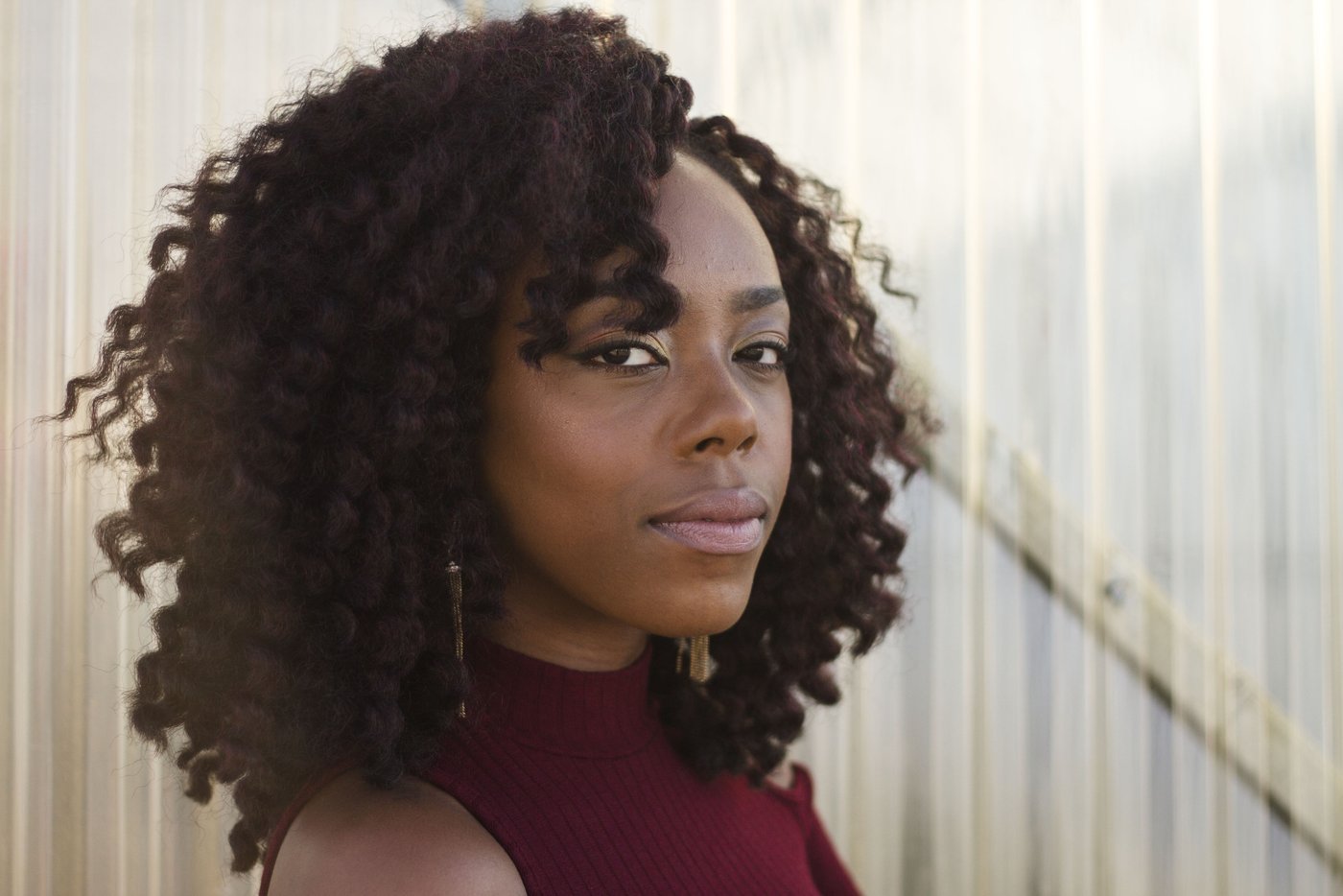 Before
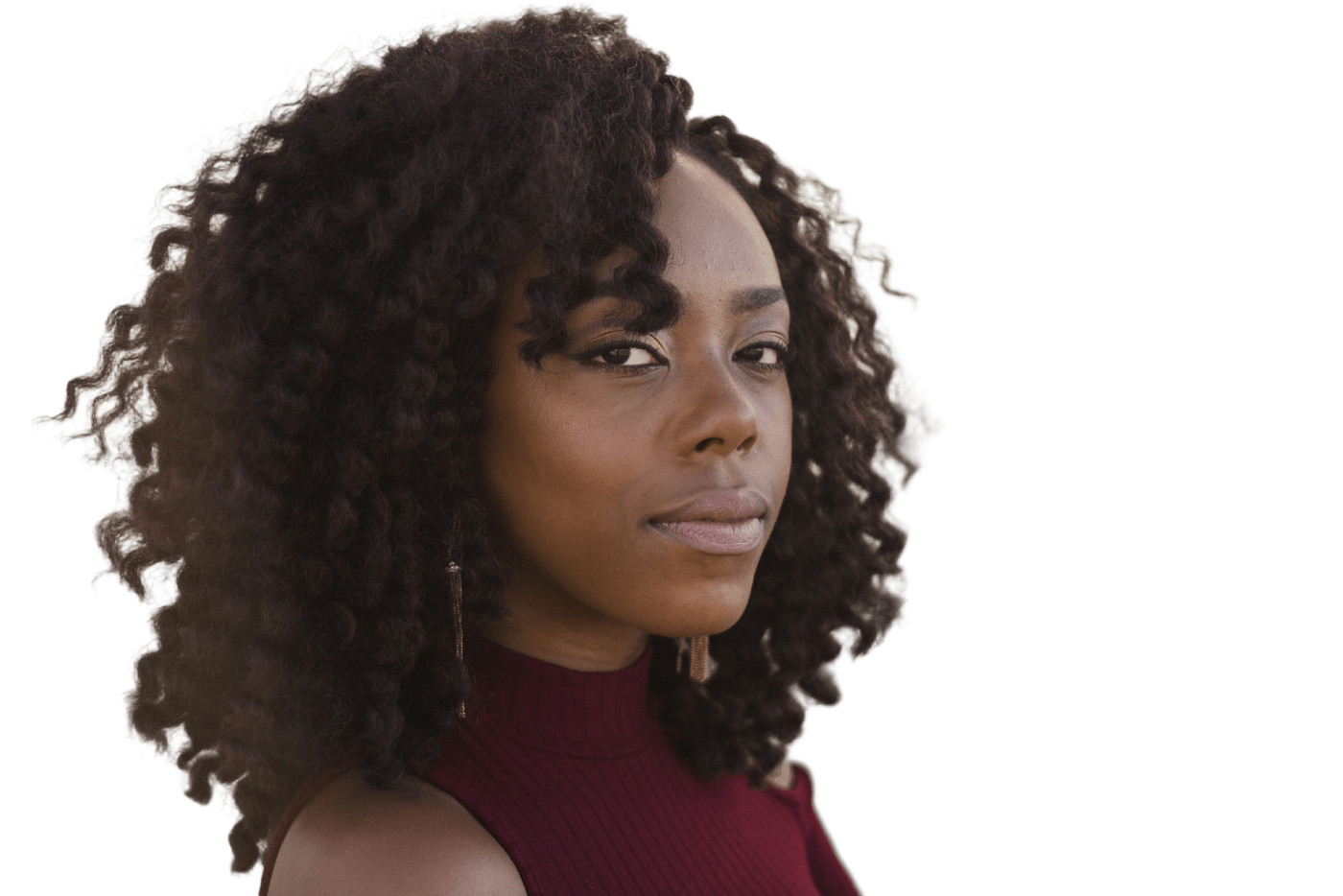 After
How to Change Background of a Photo
Upload Your Photo
JPG, PNG or WebP up to 25MB. Phone photos work fine.
Let AI Cut It Out
The background is removed automatically within seconds.
Pick a Background
Change background to transparent, white, black, red or blue, plus optional Natural Shadow.
Download
Free 512px watermarked preview, or one credit for full resolution.
Change the Background of Any Photo
This photo background changer does two jobs at once. First, an AI model (BiRefNet) separates the subject — a person, a product, a pet — from everything behind it. Then you change background to transparency, or to a solid white, black, red or blue fill, with an optional natural drop shadow. It works in any modern browser, so there's nothing to install.
To be clear about what it isn't: it changes the background to a solid color. It doesn't place your subject in a beach, an office or an AI-generated scene, and you can't upload your own background picture. If you need a color that isn't a preset, download the transparent PNG and place it on any color in Canva, Google Slides or PowerPoint. That is also the workaround when you want to change image background to a brand color.
Only need to remove the background, with nothing behind the subject? Use the free background remover — it gives you a transparent PNG in seconds. If the file is already a cutout, or you mainly want a color behind it, the background adder puts white, black, red, or blue on a photo or a transparent PNG. To keep the original scene and only soften it, blur the background of a photo.
Choosing a Background Color
The color you change background to affects how a photo reads. Some practical guidelines:
White
A common solid fill. A marketplace product that must be pure white is product photo white background. Any other photo on white is make background white.
Black
Makes jewelry, cosmetics and bright products stand out. Dark hair or clothing can blend into it, so check the edges.
Red and blue
Bold fills for thumbnails, banners and social posts. An ID, visa, or résumé photo wants plainer shades — those reference colors, and the limits, are on the ID photo background page.
Grey, pastels or brand colors
Not presets. Download the transparent version and add the exact color in your design tool — the edges stay clean on any color.
What People Use It For
Profile Pictures
Replace a messy room with a plain color for LinkedIn or a team directory.
Product Listings
Change background to white for marketplaces, black for a more premium look.
Social Posts
Clean cutouts for thumbnails, stories and announcements.
Slides & Documents
Place a person or product on a slide without a distracting box.
Tips for a Cleaner Background Change
Start with contrast
Edges are found more reliably when the subject stands apart from the background. A subject the same color as its background is the hardest change background case.
Keep hair sharp
Motion blur and heavy compression make hair and fur look soft or blotchy after the cutout. Use the sharpest version you have.
Upload the original file
The HD download keeps the resolution you upload, so a full-size original beats a screenshot or a photo compressed by a chat app.
Use the shadow selectively
Natural Shadow helps products and full-body shots sit on the new color. Head-and-shoulders portraits rarely need it.
Limitations to Know First
- Solid colors only: transparent, white, black, red and blue. Scenes, photos and AI-generated backdrops aren't supported.
- The free preview is 512px on the longest side with a watermark. Full resolution without the watermark costs one credit per image.
- Glass, smoke, veils and other semi-transparent areas may be cut too hard or keep traces of the old background.
- When subject and background are nearly the same color, parts of the subject can be removed. The free touch-up brush can restore them, but it takes some careful painting.
Background Changer vs. Photoshop vs. Phone Apps
| ZeroBG | Photoshop | Phone editing apps | |
|---|---|---|---|
| Time per photo | Seconds plus a few clicks | Minutes, depending on selection work | Usually quick; varies by app |
| Learning curve | None | Steep for clean hair selections | Low |
| Edge control | Automatic, plus a free touch-up brush | Full manual control | Varies |
| Background options | Transparent or solid presets, optional shadow | Anything, including photo composites | Varies by app |
| Cost | Free preview; HD uses credits | Paid subscription | Free or in-app purchases |
Photoshop is still the better choice when you need pixel-level control or a full composite.
Photo Background Changer FAQ
Is this photo background changer free?
Yes, to try: every photo gets a free 512px watermarked preview with no sign-up. One full-resolution, watermark-free download is $1.99 with no account. A free account includes 1 HD credit; after that, 20 credits cost $4.99 or 100 cost $9, or you can choose a monthly plan.
Can I change background to a picture or scene?
Not on this page. Only transparency and solid colors are supported, so the cutout stays exact. To redraw the scene from a sentence — a beach, a studio, a season — use image to image AI.
Does it work with hair and fur?
Usually well, especially in sharp, well-lit photos. Very blurry or low-resolution images give softer edges.
Can I use it on my phone?
Yes. It works in mobile browsers on iPhone and Android — no app needed.
Which file formats are supported?
JPG, PNG or WebP uploads up to 25MB. Results download as PNG files.
How do I get a grey or custom-colored background?
Choose transparent, download the PNG, then place it on any color in Canva, PowerPoint or Google Slides.
Change Background Now
Upload a photo and change background in seconds.