Portrait Background Remover: Keep Hair Edges
Use a portrait background remover that keeps hair edges: upload a headshot, selfie, or team photo and the cutout keeps loose strands and flyaways. Free watermarked preview, no sign-up. HD from $1.99.
- Hair and Flyaways
- Headshots and Selfies
- No Sign-up Preview
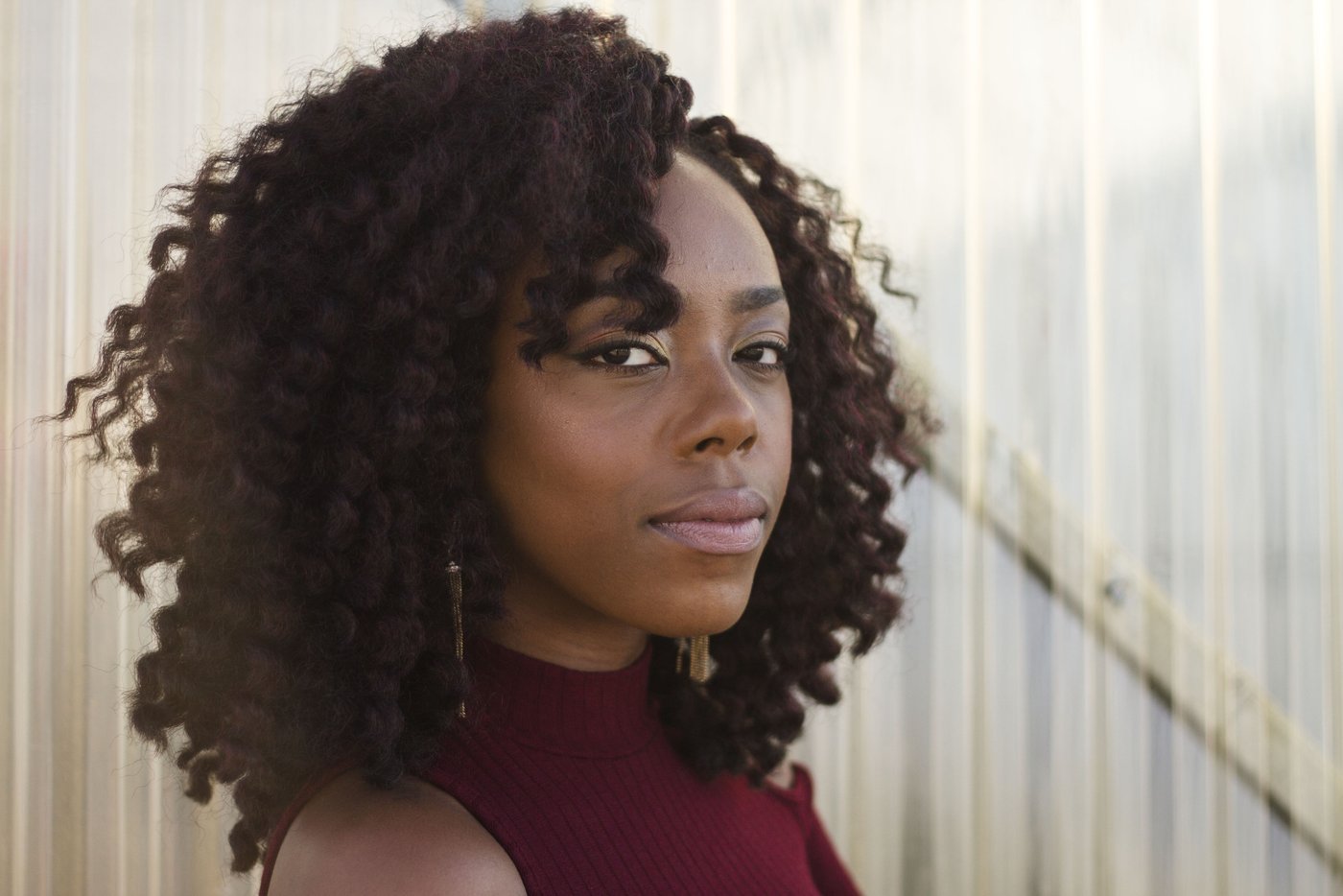 Before
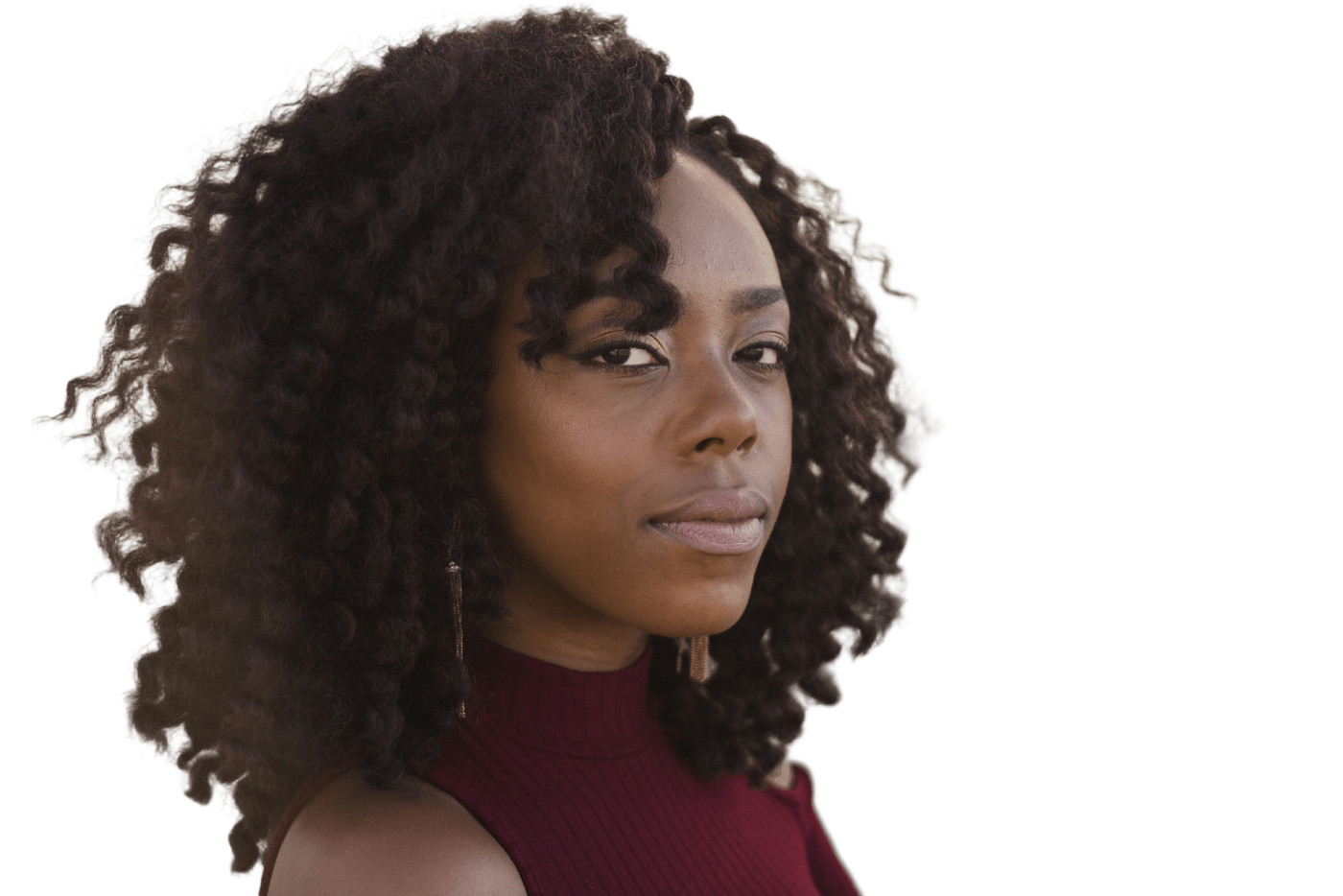 After
How to Remove a Portrait Background
Upload the Portrait
JPG, PNG, or WebP up to 25MB. A sharp, well-lit photo gives cleaner hair.
Check the Hair
Look at flyaways against the checkerboard. Use Touch up if a strand was cut or a bit of wall remains.
Pick a Backdrop
Keep it transparent, or switch to white, black, red, or blue. Headshots rarely need a shadow.
Download
Free 512px preview, or the HD file for $1.99 or one credit.
A Portrait Cutout, Not a Different Model
This portrait background remover is the ZeroBG cutout used on a person: a headshot, a selfie, or a shoulders-up portrait. The model is BiRefNet, the same one used for products and pets. It is not a separate "portrait AI," and it does not retouch skin or change your face. What it does well, when the background isn't the same color as your hair, is keep loose hair and flyaways instead of a hard scissor edge.
The preview is free, watermarked, up to 512px, and needs no account. One full-resolution, watermark-free PNG is $1.99 with no account, or one HD credit (1 free when you sign up). After that, 20 credits are $4.99 or 100 are $9.
Headshots, Selfies, and Team Photos
A LinkedIn photo, speaker bio, or team page usually wants one person on a plain color. Remove the room here, then put the cutout on white with make background white or on another preset with the photo background changer. This page does not crop to LinkedIn's square or to passport dimensions — do that after you download. To keep the room and only soften it, blur the background of a photo.
Passport photos that need plain white are on the passport photo background page. ID, visa, and résumé photos that need white, blue, or red are on the ID photo background page. Neither page crops to a print size or checks a country's rules. A headshot background remover and a selfie background remover are the same cutout here: one person, a plain backdrop, and hair edges checked by eye. To remove background from portrait photos in a team set, run each file separately so the crop stays tight.
What Makes Hair Edges Hold
A different color behind you
Dark hair on a dark couch, or a white shirt on a white wall, is where edges disappear. A bookshelf, a window, or a colored wall is easier.
A sharp photo
Motion blur and heavy beauty-mode smoothing make hair a soft blob. If the selfie is shaky, unblur it first, then cut it out.
One person
The model keeps the main subject. A group shot does not let you choose who stays.
Touch up is free
Erase a leftover lamp. Restore a strand the model clipped. You can re-download an unlocked HD file without a second credit.
Portraits People Clean Up
Replace a kitchen or a street with a plain color.
Team pages
Give several headshots the same backdrop.
Selfies
Drop a busy room before you post or print.
Speaker bios
A clean cutout for a conference or podcast page.
Before You Upload
Face a window
Soft daylight from the front keeps both the face and the hair edge readable.
Skip the beauty filter
Smoothing blurs the boundary the model has to find.
Include the shoulders
A tight crop through the chin is harder than a normal head-and-shoulders frame.
Products are a different page
A shoe or a logo belongs on the background remover, not here.
Portrait Background Remover Limits
- It does not retouch skin, whiten teeth, or replace the face.
- Veils, wispy bangs against a matching background, and glasses reflections can need the touch-up brush.
- It does not crop, resize, or check a photo against LinkedIn or passport rules.
- A badly blurred selfie cannot be fully rescued here. Light camera shake can be tried on the unblur tool first.
Portrait Background Remover FAQ
Will it keep my hair?
Usually, when the hair is sharper than the background and not the same color as what's behind it. Flyaways against a plain wall tend to hold. Hair that blends into the backdrop may need the free touch-up brush.
Is the portrait background remover free?
Yes. No sign-up, watermarked, up to 512px, within a daily limit. One HD portrait with no watermark is $1.99 with no account, or one credit.
Does it make a LinkedIn-ready crop?
It removes the background. It does not crop to a square or a circle. Download the PNG and crop it in whatever you use for the profile.
Can I put the portrait on white or blue?
Yes. White, black, red, and blue are presets here. Pure white for a product is on product photo white background. Any other photo on white is make background white. Reference white, blue, and red for an ID or visa photo are on the ID photo background page.
Is this a special portrait model?
No. It is the same BiRefNet background remover used on other images. This page is the workflow and the limits for people photos.
Remove Your Portrait Background
Upload a headshot or selfie and check the hair edges on the free preview.