Make Photo Background White
Upload a photo and the background turns pure white (#FFFFFF) automatically — the clean look marketplaces, catalogs and ID photos expect.
- Pure White #FFFFFF
- White by Default
- Optional Shadow
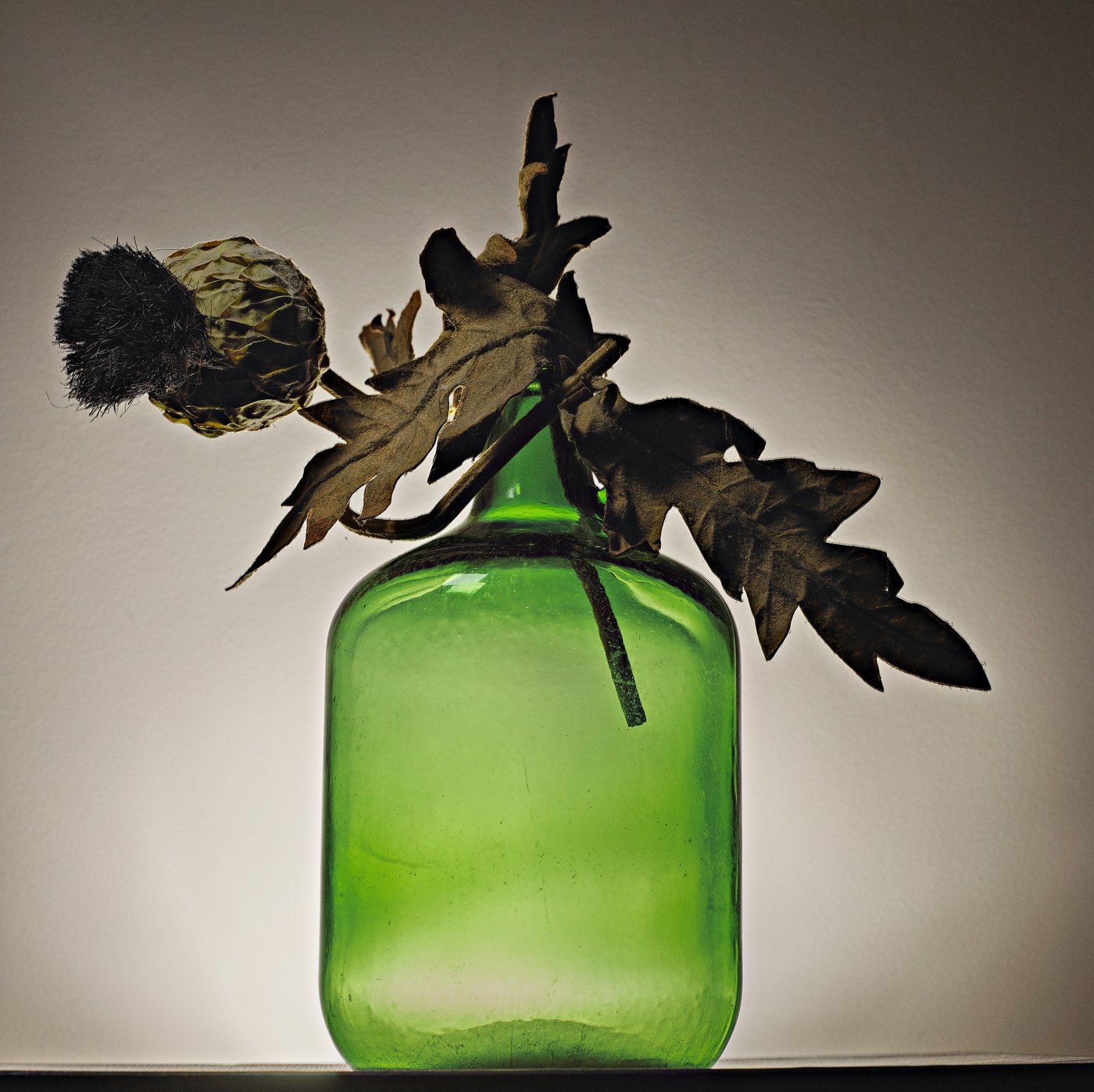 Before
 After
AfterHow to Make a Photo Background White
Upload
JPG, PNG or WebP up to 25MB. Phone photos are fine.
AI Cuts It Out
The subject is separated and placed on pure white automatically.
Shadow or Not
Tick Natural shadow for products that should sit on a surface.
Download
Free 512px preview, or the full-resolution file for one credit.
A White Background, Not an Off-White One
On this page the white background is the default: the AI (BiRefNet) cuts out your product or person, and the result is placed on pure white — #FFFFFF, or RGB 255, 255, 255 — before you even touch a setting. You can still switch to transparent or another preset, and add a soft shadow if the item looks like it's floating.
"Pure" matters more than it sounds. A photo taken against a white wall or a sheet of paper is almost never white in the file: it comes out light grey, cream or blue-tinted, often with a darker corner. Marketplace rules and catalog designers mean the real thing, and replacing the background is the reliable way to get it.
Need a different color? The background adder covers black, red, blue and transparent. For passports and visas, see the passport photo background guide, which also covers country rules.
White Background Rules by Marketplace
Each platform sets its own image rules, and they change. This summary reflects the platforms' published guidance as of October 2026 — always check the current version before you list.
| Platform | Background | Size guidance | Good to know |
|---|---|---|---|
| Amazon (main image) | Pure white, RGB 255, 255, 255 | 1,000px or more on the longest side enables zoom | The product should fill about 85% of the frame; no text, logos or watermarks on the main image |
| eBay | Not required; plain backgrounds are recommended | At least 500px on the longest side; 1,600px recommended | Some categories have their own photo rules |
| Shopify | Up to your store; white keeps a catalog consistent | 2048 × 2048px is suggested for square product images | Use the same background and framing across a collection |
| Etsy | Not required; many sellers use white for the first photo | At least 2,000px wide is recommended | Lifestyle photos usually work better after the first image |
Sizes refer to the image you upload to the platform. The HD download here keeps the resolution of your original photo, so start with the largest file you have.
Pure White vs. Near-White
Why it matters
On a white product page, a #F4F4F4 background shows up as a faint grey box around your item. Next to competitors on pure white, it looks dull.
How to check
Open the image in any editor with an eyedropper and click the background. It should read #FFFFFF or 255, 255, 255 everywhere — including the corners.
Why a white wall isn't enough
Cameras balance exposure on the subject, so a white wall comes out grey, and shadows fall on it. Lighting can get you close; replacing the background gets you exact.
Near-white on purpose
Some brands prefer a soft off-white. Download the transparent version and fill it with your exact color in a design tool.
Shadow On or Off?
A cutout on flat white can look like a sticker. The Natural shadow option adds a soft shadow under the subject so it seems to rest on a surface. Turn it on for shoes, bottles, boxes and anything photographed standing up; leave it off for headshots, ID photos and flat-lay items.
Marketplace rules focus on the background color and on what else appears in the frame. If you're not sure whether a shadow is fine in your category, check the platform's current image guidance — or simply leave it off.
Who Uses a White Background
Marketplace Sellers
Main images for Amazon, eBay, Etsy and Shopify product pages.
Headshots & Résumés
A plain white backdrop for CVs, company directories and speaker bios.
ID & Forms
A white background for ID cards and application photos — check official size rules separately.
Catalogs & Print
Consistent product shots for line sheets, brochures and wholesale catalogs.
Tips for Better White-Background Photos
Fill the frame
Shoot so the product takes up most of the picture. Crop later rather than leaving it small in a big empty space.
Avoid glare
Diffuse light (a window with a thin curtain) keeps reflections off glossy packaging, which makes edges cleaner.
White products need contrast
Photograph a white or light item against a darker backdrop so the AI can find its edges, then switch on the shadow so it doesn't disappear into the white.
Fix edges for free
If a strap or a corner was cut off, open Touch up and use Restore; use Erase for leftover background. The touch-up brush is free.
Many products?
Pro and Business plans include batch background removal (10 or 50 images at a time) — see pricing.
Limitations
- Glass, clear plastic and sheer fabric may lose some transparency, or keep a tint of the old background.
- White or very light products on a light original background can lose parts of their edge. Use Restore in the touch-up brush, or reshoot against a darker backdrop.
- The free preview is 512px on the longest side with a watermark — too small for most listings. The full-resolution file uses one credit.
- This page doesn't resize, crop or add padding to marketplace dimensions; do that in your listing tool or an editor.
AI White Background vs. Other Ways
| ZeroBG | Shooting on a white sweep | Manual editing | |
|---|---|---|---|
| Background color | Exactly #FFFFFF | Close to white, depends on lighting | Exact, if done carefully |
| Time per photo | Seconds | Setup time, then fast | Minutes per photo |
| Equipment | None | Backdrop and lights | Photo editing software |
| Edge control | Automatic, plus a free touch-up brush | Not needed | Complete |
| Cost | Free preview; HD uses one credit | Equipment cost | Software subscription and your time |
Make Background White FAQ
Is the white exactly #FFFFFF?
Yes. The white preset fills the background with RGB 255, 255, 255. You can check it with any eyedropper tool after downloading.
Is this good enough for Amazon's main image?
The background meets Amazon's pure-white requirement. Amazon also has rules about how much of the frame the product fills, what's allowed in the image and minimum size, so check its current product image guidelines.
Can I make the background white for free?
Yes, as a 512px watermarked preview, with no sign-up. The full-resolution, watermark-free file uses one credit — a free account includes 3, and 20 more cost $4.99 and never expire.
Can I add a shadow under my product?
Yes. Tick Natural shadow in the editor before downloading. It works best for items photographed standing on a surface.
Can I change many photos to white at once?
Batch background removal is part of the Pro (10 images at a time) and Business (50 at a time) plans. On the Free plan, photos are processed one by one.
What if part of my product disappears?
Open Touch up and paint over the missing area with Restore — the original pixels come back. The touch-up brush is free, and you can re-download the HD file without spending another credit.
Make Your Background White
Upload a photo and get a pure white background in seconds.